
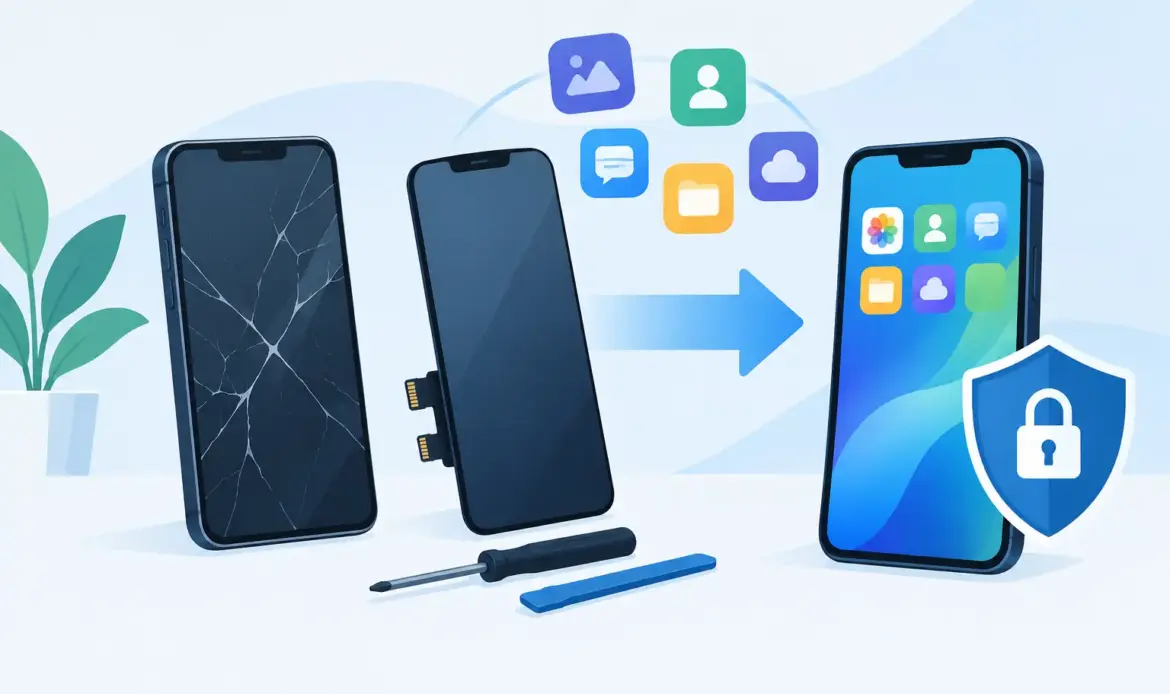
A shattered display can make every photo, message, work app, and contact on your phone feel suddenly out of reach. So, does screen replacement erase data? In a standard screen repair, no. Replacing the display does not normally touch the storage chip where your files, apps, photos, and account information live.
That is reassuring news, but it is not a reason to skip a backup. A broken screen can be part of a bigger device emergency, especially after a hard drop, water exposure, or a phone that will not power on. Here is what screen repair actually involves, when your data could be at risk, and how to hand over your device with confidence.
Does Screen Replacement Erase Data During a Normal Repair?
Your screen is the window and control surface for your phone. It includes the glass, display panel, and touch layer, depending on the device. Your data is stored separately on internal memory attached to the phone’s logic board. A technician can remove a damaged screen and install a replacement without erasing that memory.
Think of it this way: replacing a screen is more like changing a broken monitor than replacing a computer’s hard drive. The screen lets you see and use your information, but it is not the place where that information is kept.
A professional repair shop will generally power the device down, carefully open it, disconnect the battery when the model allows, replace the display assembly, reconnect components, and test the result. None of those steps should require a factory reset.
For most customers, their device returns with the same lock screen, apps, photos, text messages, settings, and accounts waiting right where they left them. The biggest immediate change should be a clear, responsive display that lets you get back to your life.
Why a Backup Still Matters Before Screen Repair
While a screen replacement itself does not erase data, repairs involve a device that may already be damaged. Backing up your phone is the smartest protection you can put in place before any service, whether the issue is a cracked display, weak battery, charging failure, or water damage.
A backup protects you from problems that existed before the repair or show up afterward. For example, a drop hard enough to crack a screen may also have stressed an internal connector, battery, camera, or the logic board. Water damage can worsen over time as corrosion develops. Those conditions are separate from the screen repair, but they can affect whether the phone stays stable.
If your display still works, back up right away using your phone’s cloud backup option or a computer. Confirm the backup finishes before bringing the device in. Do not assume photos are backed up simply because you use a cloud photo app. Check that recent pictures, messages, and other important data have synced.
If the display is black but the phone still powers on, recovery may still be possible. Depending on the model and the extent of the damage, a technician may be able to install a working screen temporarily or complete the screen repair so you can access your information again. That is one reason a damaged phone deserves a careful diagnosis instead of a guess-and-replace approach.
Data risks that are not caused by the new screen
A few situations can make data loss more likely, even though the replacement display is not the cause:
- Severe impact damage that affects the logic board or internal storage
- Liquid exposure, particularly if the phone has been powered on while wet
- A phone stuck in a boot loop, recovery mode, or an update failure before service
- A device that requires a reset because of an unrelated software problem
- A battery that is swollen, failing, or has caused damage inside the phone
These are exactly the moments when fast, careful service matters. Continuing to charge or repeatedly restart a wet or severely damaged phone can turn a recoverable situation into a more complicated one.
Will a Repair Shop Need Your Passcode?
A reputable technician does not need your passcode to physically replace a screen. However, a passcode can make post-repair testing easier because the technician can confirm touch response, brightness, cameras, speakers, microphones, and normal functionality from inside the device.
You should never feel pressured to share a passcode without understanding why it is requested. Ask what tests need to be performed and whether you can enter the code yourself when you pick up the device. Many customers prefer this option, especially when their phone contains work materials, family photos, financial apps, or private messages.
For added privacy, sign out of sensitive accounts if practical, remove saved cards from digital wallets if you are concerned, and use a repair mode when your device offers one. Some Android phones include a maintenance mode designed to protect personal data during service. On iPhones, keeping Find My settings and activation requirements in mind can help avoid delays, but do not erase your phone merely to prepare for a screen repair unless a technician explains that it is necessary for a specific issue.
What Can Change After a Screen Replacement?
Your personal data should remain in place, but some device-specific features may need attention after repair. Modern phones pack cameras, sensors, speakers, fingerprint readers, and face-recognition components tightly around the display. A quality replacement and precise installation are critical.
On certain models, the phone may display a parts or service message after a screen replacement. This is often a manufacturer feature that identifies a replaced component. It does not mean your data was erased or that the phone is unsafe to use. In some cases, calibration or programming is needed to restore features such as automatic brightness, True Tone-style display settings, fingerprint recognition, or face unlock.
The quality of the replacement part also matters. A lower-quality screen may have weaker brightness, inaccurate color, reduced touch sensitivity, or poor durability. A professional repair should start with a proper diagnosis and use high-quality replacement parts suited to the device, not just the fastest part available.
If Your Phone Is Completely Unresponsive
A blank screen does not always mean your data is gone. Listen for notification sounds, feel for vibration, call the phone, or connect it to a charger and watch for signs of life. If it rings, vibrates, or receives notifications, the display may be the main failure.
Do not keep forcing restarts if the device is hot, wet, bent, or has a swollen battery. Do not try to pry it open at home. Damaged batteries and delicate display cables can turn a simple repair into a safety risk or a more expensive board-level issue.
For phones that suffered water damage or a major impact, let a technician inspect the device before promising that a screen alone will solve everything. Honest diagnosis protects both your device and your data. Sometimes a screen repair brings it right back to life. Other times, the visible crack is only the first sign of deeper damage.
A Quick Checklist Before You Bring It In
Before dropping off your device, take a few minutes to protect what matters. Back up your phone if it is accessible, make sure you know your account passwords, and remove the case and any loose accessories. If you have a screen protector, tell the technician whether you want it removed or replaced.
Also take note of existing issues beyond the cracked glass. Is the battery draining quickly? Does the charging port only work at a certain angle? Was the phone exposed to rain, a spilled drink, or a pool? Sharing that history helps the technician diagnose the whole device rather than treating only what is visible.
At Phone-Medics, the goal is to treat your device like the essential tool it is, not just another cracked screen on a workbench. Certified technicians can assess the damage, explain the repair clearly, and help you make a practical decision before work begins.
Your phone carries more than data. It carries your schedule, your conversations, your schoolwork, your directions home, and often the photos you cannot replace. A professional screen repair is designed to preserve all of it, while bringing the device you depend on back into clear view.