
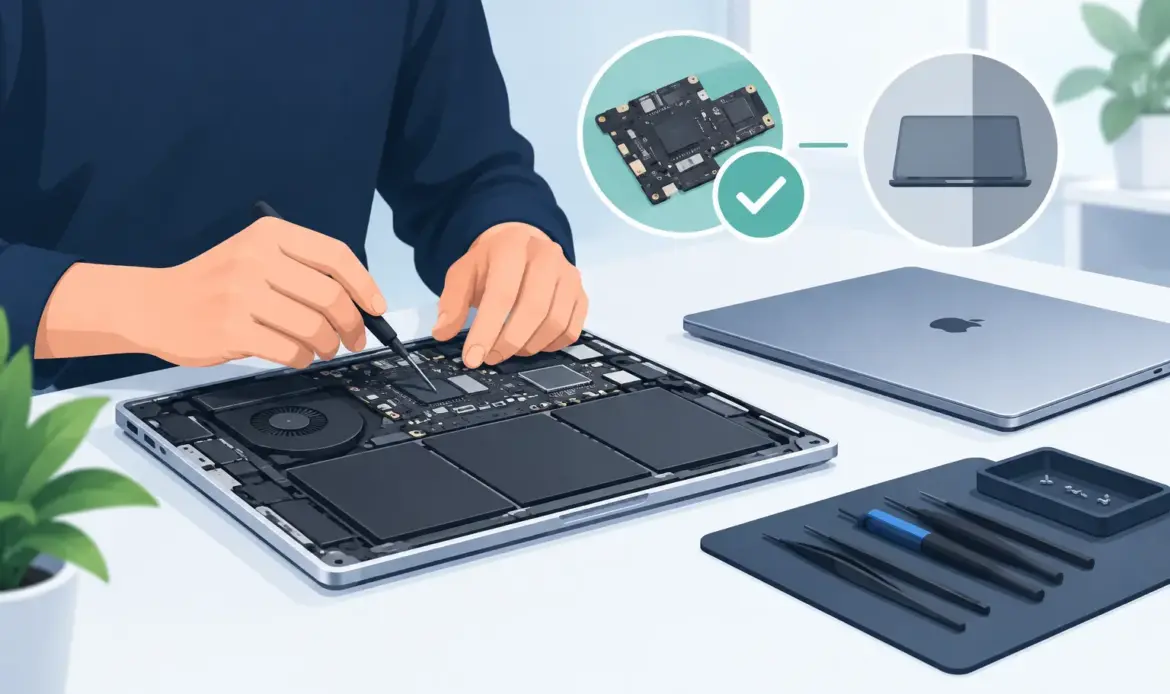
A MacBook that will not charge, will not turn on, or suddenly shuts down can feel like a full stop to your day. MacBook motherboard repair is often the answer when the problem runs deeper than a battery, charger, or screen – and it can be far more cost-effective than replacing a laptop that still has plenty of life left.
The motherboard, also called the logic board in many MacBook models, is the command center of the machine. It connects power, storage, memory, display functions, ports, and critical internal components. When it fails, the symptoms can look dramatic. The good news is that a dead-looking MacBook is not always beyond rescue.
What MacBook Motherboard Repair Actually Means
A motherboard repair is not the same as swapping an accessory or installing a new battery. It involves precise diagnosis at the board level to find the failed circuit, damaged connector, corroded component, or shorted power line causing the issue.
In some cases, the right solution is a full logic board replacement. In others, micro-soldering can repair a specific component on the existing board. That distinction matters. Replacing a board may be quicker in some situations, but board-level repair can preserve your original data and may cost less than replacing a major assembly.
Modern MacBooks pack a lot into a thin chassis. On certain models, storage and memory are integrated with the board, which means the logic board can hold files that are not easily removable. If your documents, photos, projects, or business files are trapped on a nonworking MacBook, expert diagnosis should come before assuming the data is gone.
Signs Your MacBook May Have a Board-Level Problem
Not every power issue is a motherboard problem. A worn battery, damaged charging cable, dirty USB-C port, or faulty display can create similar symptoms. Still, a few warning signs make a board-level inspection more likely.
Your MacBook may need deeper repair if it will not respond to a known-good charger, repeatedly powers on and off, gets unusually hot, shows no image despite signs of power, or has ports that stop working without an obvious physical cause. Random restarts, distorted graphics, keyboard or trackpad failures, and a battery that refuses to charge can also point toward problems on the logic board.
Liquid exposure is one of the biggest red flags. A spill does not have to be dramatic to cause damage. A small amount of coffee, water, soda, or condensation can enter the case, begin corrosion, and create a short. Sometimes the MacBook works at first, then fails days or weeks later as corrosion spreads. Turning it on repeatedly or continuing to charge it after a spill can make the damage worse.
If liquid is involved, power the computer off, unplug it, and avoid trying home remedies. Rice does not remove corrosion from microscopic components. Fast professional inspection gives the device its best chance of recovery.
Why Precise Diagnosis Comes First
The same symptom can have very different causes. A MacBook that will not power on could need a battery, a charging-port repair, a display repair, or a motherboard fix. Replacing parts without testing can waste money and leave the real issue untouched.
A qualified technician starts by checking the basics: charger behavior, current draw, battery condition, visible liquid indicators, ports, and external damage. From there, board-level testing can identify where power stops moving through the system. That is the difference between guessing and repairing with a plan.
This also protects your data. If a MacBook has important files that have not been backed up, tell the technician before authorizing a replacement board or other major repair. The best approach may be to prioritize data recovery, repair the original board, or assess what can be safely retrieved first.
When Repair Makes Better Sense Than Replacement
A motherboard repair is usually worth considering when the MacBook is otherwise in good condition, meets your needs, and has meaningful data on it. A newer model with a healthy screen, usable battery life, and solid performance can be an excellent candidate for board-level work.
It can also make sense when the failure is isolated. A single damaged charging circuit, backlight circuit, display connector, or power-management component may be repairable without replacing the entire board. This is where micro-soldering experience matters. The repair is delicate, but a targeted fix can bring a valuable laptop back to life.
Cost is part of the decision, and honest guidance matters. If the MacBook is older, has multiple major problems, or would require extensive work close to the cost of a replacement laptop, repair may not be the smartest investment. The right repair shop should explain the diagnosis clearly, provide a straightforward quote, and let you choose based on the condition of your device and your budget.
For a student with classwork on a MacBook, a professional who relies on specialized software, or a family with years of photos stored locally, the value of repair can go beyond the resale price of the laptop. Convenience, familiarity, and recoverable data all count.
The Trade-Offs of Logic Board Repair
Board repair is specialized work, not an instant fix in every case. It can take longer than a common battery replacement because the technician must trace the fault and test the repair thoroughly. Severe liquid damage can reveal more than one failed area, especially if corrosion has been present for a while.
There is also a difference between restoring function and resolving every age-related issue. Repairing a damaged motherboard does not automatically make an old battery new or erase wear on a keyboard, trackpad, or display. A good technician will separate the urgent issue from optional repairs so you can make an informed choice.
Some failures are simply not economical or technically recoverable. That is not a reason to settle for a rushed answer. It is a reason to get an accurate diagnosis from technicians equipped for component-level work before writing off the device.
Protect Your MacBook Before and After Repair
Once a MacBook is working again, a few habits can prevent another emergency. Use a quality charger with the correct power rating, keep drinks away from the workspace, and avoid forcing cables into loose or damaged ports. If charging becomes intermittent, have it checked before a worn connection causes a larger electrical problem.
Regular backups are equally important. Use a backup method that fits your routine, whether that is an external drive, a secure cloud service, or both. The best time to protect your files is while the MacBook is healthy, not after it stops starting up.
Watch for early warning signs, too. A hot bottom case, flickering screen, charger that only works at a certain angle, unexpected restarts, or a strange burning smell all deserve attention. Small symptoms can become bigger failures when a device is pushed through daily use.
Get a Straight Answer From a Local Repair Team
MacBook problems can be stressful, especially when work, school, appointments, and personal files are all on the line. Phone-Medics approaches complex laptop failures like the device emergency they are: with careful testing, skilled micro-soldering capability, high-quality parts, and a focus on the repair that actually solves the problem.
Bring in the MacBook, along with its charger if possible, and describe what happened before the trouble began. Mention spills, drops, recent updates, overheating, or charging issues, even if they seem unrelated. Those details help speed up diagnosis and give your laptop the best chance of a successful rescue.
A MacBook that has gone dark does not automatically belong in a replacement cart. With the right diagnosis and careful board-level repair, it may still have a lot more life to give.