
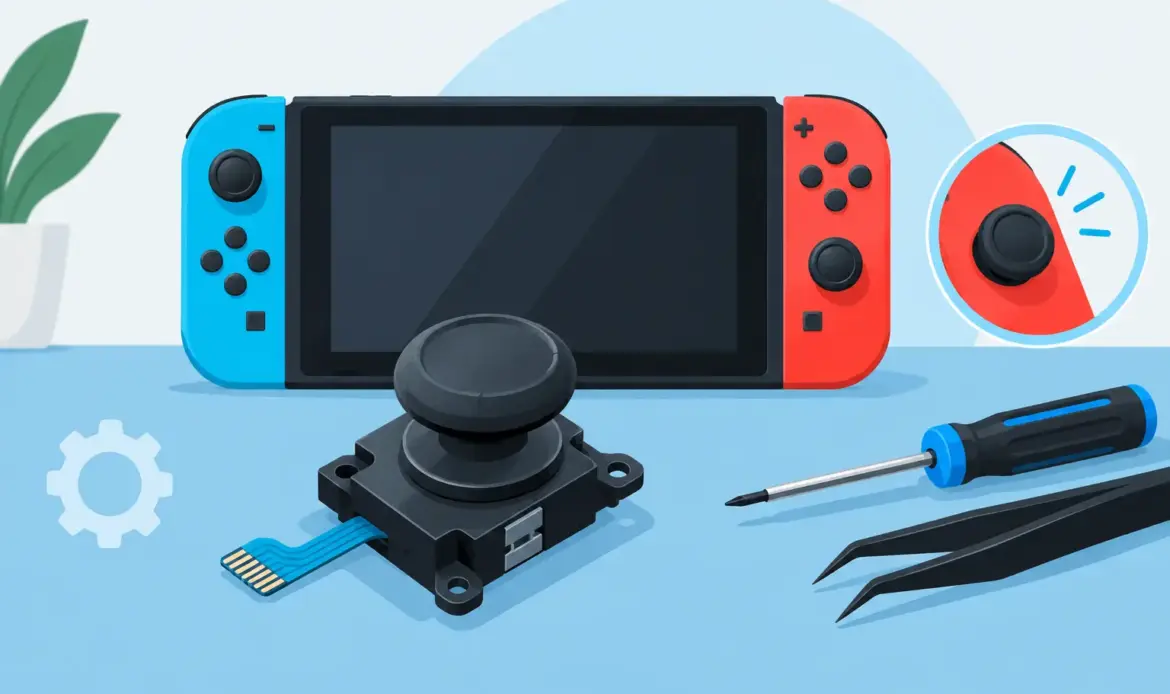
A Nintendo Switch joystick can turn a close race, a hard-won battle, or a kid’s favorite game into a frustrating mess when it starts moving on its own. One minute your character is standing still. The next, they are walking straight off a ledge without anyone touching the controller. That is usually joystick drift, and it is one of the most common console problems we see.
The good news is that a drifting, sticky, or unresponsive Joy-Con does not automatically mean you need a new Nintendo Switch. With the right diagnosis and a quality replacement part, many joystick issues can be repaired and put back into action.
What Nintendo Switch Joystick Drift Feels Like
Joystick drift happens when the Switch detects movement even though the stick is centered. It may begin as a small annoyance that only shows up in certain games, then gradually become impossible to ignore. Your menu selection may slide across the screen, your character may wander, or your camera may slowly rotate on its own.
Drift is not the only joystick failure. A Nintendo Switch joystick may also feel loose, fail to register movement in one direction, stick after being pushed, or respond inconsistently. Some players notice the issue only when running or aiming, while others cannot navigate the home screen without fighting the controller.
These symptoms can come from normal wear, debris around the stick, impact damage from a drop, moisture exposure, or internal component wear. Joy-Cons are compact controllers that handle a lot of fast, repeated movement. For households with multiple players, younger gamers, or a Switch that travels everywhere, wear can arrive sooner than expected.
Before You Assume the Joystick Is Broken
A quick check can help separate a true hardware issue from a temporary software or connection problem. Start by making sure your Switch system software and Joy-Con firmware are current. Then go to the controller settings and use the calibration screen to see whether the joystick dot rests in the center when your thumb is off the stick.
Calibration may help if the controller simply needs a reset. It will not repair a worn internal mechanism. If the dot jumps around, drifts away from center, or cannot reach full range in one direction, the joystick likely has a physical problem.
It is also worth testing the Joy-Con while detached from the console. Connection interference can make controls feel delayed or unreliable, but it usually does not create the steady, unwanted movement associated with drift. If the same controller misbehaves across different games and after calibration, it is time to look at repair.
Why a Nintendo Switch Joystick Fails
Inside a Joy-Con, the joystick uses small moving contacts to translate thumb movement into on-screen action. Over time, those contacts can wear down. Dust, skin oils, crumbs, and other debris can also work their way under the rubber cap and interfere with movement.
A drop can create a different kind of trouble. The joystick might crack internally, pull away from its mounting point, or damage the thin flex cable that connects it to the controller board. If a Joy-Con was exposed to liquid, corrosion can develop even after it appears dry on the outside.
That is why two controllers with the same symptom may need different repairs. One may need a joystick replacement. Another may have a damaged connector, liquid corrosion, or a board-level fault that calls for precision micro-soldering. Good repair starts with diagnosis, not guesswork.
Can You Clean or Repair It Yourself?
Light debris around the joystick can sometimes be cleaned carefully, and a calibration reset is always a reasonable first step. But there is a line between basic maintenance and a repair that risks creating more damage.
Opening a Joy-Con requires small tools, steady hands, and patience. The internal battery, ribbon cables, screws, and connectors are delicate. A torn flex cable or damaged connector can turn a straightforward joystick replacement into a more involved repair. Low-quality replacement parts can also feel different from the original, wear out early, or create new input problems.
DIY repair can make sense for an experienced hobbyist who has the right tools and accepts the risk. For most players, especially when the controller is already showing multiple symptoms, professional service is the safer route. You get an accurate assessment, a properly installed replacement part, and a controller that has been tested before it goes back into your hands.
When Professional Joy-Con Repair Makes Sense
Professional repair is especially helpful when the issue is more than simple drift. Bring the controller in if the joystick is physically loose, the rubber cap is torn, one direction does not work, buttons are failing too, or the Joy-Con will not connect or charge. Those signs can point to damage beyond the joystick itself.
It also makes sense when the console is part of the household routine. Replacing controllers repeatedly gets expensive, particularly if both Joy-Cons are affected or you have extra controllers for family game nights. Repair can be a practical, cost-conscious way to keep the gear you already own in play.
At Phone-Medics, certified technicians inspect the controller before recommending a fix. That means looking beyond the visible symptom to identify whether the problem is the joystick assembly, a connection issue, liquid damage, or a component-level defect. Quality parts and careful installation matter because a repaired controller should feel reliable when the game gets competitive.
Protecting Your Joy-Cons After Repair
No controller lasts forever, but a few habits can help reduce strain on a repaired or new joystick. Keep food and drinks away from the console area when possible, especially if the Switch is used during travel or in the car. Store Joy-Cons in a case rather than loose at the bottom of a backpack, where pressure and debris can take their toll.
Try not to force the stick when it catches on a bag, sleeve, or controller grip. If you notice early drift, delayed movement, or a sticky feel, address it before the issue gets worse. Continuing to play with a failing joystick will not usually damage the Switch console, but it can make games frustrating and may allow a minor controller issue to become a larger repair.
Parents may also want to check controllers periodically, even if kids have not mentioned a problem. Younger players often adapt to drift without realizing the controller is malfunctioning. A quick test in the calibration menu can reveal a problem before it ruins a birthday gift, tournament, or rainy-day game session.
Repair or Replace: The Practical Choice
Whether to repair or replace depends on the controller’s condition. If the Joy-Con is otherwise in good shape and the joystick is the only issue, repair is often the sensible choice. If it has severe housing damage, major liquid exposure, charging problems, and multiple failed buttons, replacement may be more cost-effective.
The key is getting a clear diagnosis before spending money. A controller that seems ready for the junk drawer may only need one precision repair to get back in the game. And if replacement is the better answer, knowing that upfront saves time and frustration.
Your Switch is supposed to be the easy part of game night. If the controller is pulling your character in the wrong direction, do not let joystick drift call the shots. A careful inspection can give your Joy-Con a fair chance at a comeback – and get everyone back to playing instead of arguing with the controls.