
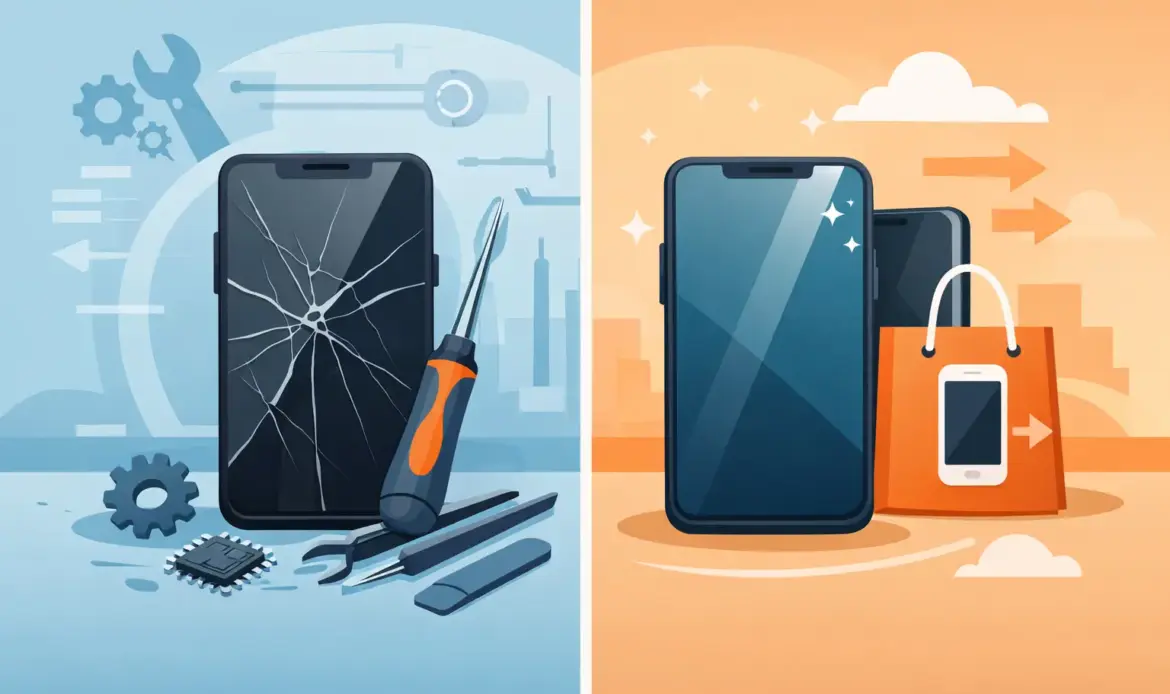
A cracked screen can turn one careless second into a daily frustration. A battery that dies by lunch, a charging port that only works at one angle, or a phone that went silent after water exposure can feel just as urgent. The good news: professional cell phone repair can often bring your device back to life faster and for far less than the cost of a replacement.
Your phone is not just a piece of hardware. It holds family photos, work messages, school apps, banking access, travel plans, and the contacts you need when life gets busy. When it fails, you need more than a quick guess. You need a careful diagnosis, quality parts, and a technician who treats your device like something worth rescuing.
When Cell Phone Repair Is the Smarter Move
Replacing a phone can be tempting, especially when a carrier promotion makes a new model look inexpensive. But the true cost may include a new installment plan, setup time, accessories, transferring data, and the risk of losing information that was never backed up. If the device still meets your needs, repair is often the practical call.
Screen damage is the clearest example. A cracked display may look like a cosmetic issue at first, but cracks can spread, expose the screen to moisture, and make touch controls less reliable. If you see black spots, colored lines, flickering, ghost touches, or a screen that no longer responds, the display likely needs prompt attention. A professional screen repair restores visibility and usability without forcing you to start over with a new phone.
Battery trouble is another common rescue situation. Most batteries lose capacity gradually, so it can be hard to notice the problem until you are constantly searching for an outlet. Unexpected shutdowns, overheating during ordinary use, a swollen back cover, or a battery that drops from 30 percent to zero are stronger warnings. Replacing the battery can give an otherwise dependable phone a useful second life.
Charging failures are not always caused by a bad cable. Lint packed into the port, damaged charging contacts, a worn connector, or an internal board issue can all stop your phone from charging correctly. Do not force a cable into the port or scrape inside it with metal tools. That can turn a small issue into a more involved repair. A technician can identify whether the problem is simple debris, a damaged port, or a component-level fault.
Damage That Needs Fast Attention
Some phone problems can wait a day or two. Others deserve emergency-room speed. Water damage belongs in the second category. Moisture can corrode internal components long after the phone appears to dry out, so a device that powers on after a spill is not necessarily safe.
If your phone gets wet, power it off as soon as possible and do not charge it. Remove the case and any external accessories, then bring it in for a professional inspection. Skip the rice. Rice does not remove corrosion, and it can leave dust or starch in ports. The faster a technician can inspect, clean, and diagnose the phone, the better the chance of protecting it and its data.
A phone that is excessively hot, smells unusual, has a lifting screen, or shows a bulging back panel needs immediate attention as well. These can be signs of battery swelling. Stop using and charging the device, keep it away from heat, and have it evaluated. This is not a repair to put off.
What a Professional Repair Should Include
A good repair begins before any part is replaced. Symptoms can point to several possible causes. For example, a phone that will not power on may have a depleted battery, a damaged charge port, a failed display, liquid damage, or an issue on the logic board. Replacing the wrong part wastes time and money.
Professional diagnosis helps narrow down the real problem. Certified technicians inspect the device, test key functions, and explain what they find in plain language. You should understand what needs repair, what the options are, and whether the repair makes financial sense for your model.
Part quality matters, too. The lowest-priced screen is not always the best value if it has dim color, poor touch response, weak durability, or compatibility issues. High-quality replacement parts are chosen to restore the experience you expect from your device. For certain repairs, genuine products may be the right fit. The best option depends on the phone model, the available parts, and how you use your device every day.
After a repair, basic function testing should confirm that the phone is doing its job. Depending on the service, that may include checking the display, touch response, cameras, speakers, microphones, buttons, charging, cellular signal, Wi-Fi, and Face ID or fingerprint features when applicable. Repair work is precision work. The goal is not simply to make the phone turn on, but to return it to dependable daily use.
Repair or Replacement? Ask These Questions
The right decision is not identical for every phone. A newer model with a cracked screen is usually a strong repair candidate. An older phone with a damaged screen, weak battery, and recurring software problems may be closer to replacement territory. Before making the call, consider four practical questions:
- Does the phone still have the speed, storage, camera quality, and software support you need?
- Is the repair cost reasonable compared with replacing the device and setting up a new one?
- Is the damage limited to one repairable issue, or are several major problems happening at once?
- Is important data on the phone that you need help protecting or recovering?
Age alone does not decide it. A well-kept phone can remain useful for years with a new battery or screen. On the other hand, if your device has major board damage, repeated failures, or no longer supports the apps you rely on, replacement may save you from another headache soon after the repair.
An honest repair shop should be comfortable telling you when replacement makes more sense. The point is to protect your budget and get you back to a working device, not sell a repair that does not serve you.
Small Habits That Prevent Bigger Repairs
No case can prevent every accident, but a quality case and tempered glass protector can reduce the impact of everyday drops. Keep charging ports clear, use reliable cables and power adapters, and avoid leaving your phone in a hot car or under a pillow while charging. Heat is especially hard on batteries.
Backups are another form of protection. Turn on automatic cloud backup if it fits your needs, and make sure your photos, contacts, and important files are syncing. A repair technician may be able to restore a damaged phone, but no one should have to rely on luck when irreplaceable memories are involved.
It also helps to act early. A tiny screen crack, a loose charging cable, or a battery that suddenly drains faster than normal may be the first sign of a repairable issue. Waiting can allow moisture, debris, or internal stress to create more damage.
Your Device Deserves a Proper Rescue
At Phone-Medics, cell phones are treated like the essential tools they are. Whether you need a screen replacement, battery service, charging repair, water-damage assessment, or advanced micro-soldering diagnosis, experienced technicians can help identify the problem and map out the next step.
Do not let a damaged phone keep disrupting your work, family plans, school, or weekend. Bring it in while the issue is still manageable, ask for a clear diagnosis, and give your device the skilled rescue it deserves.