
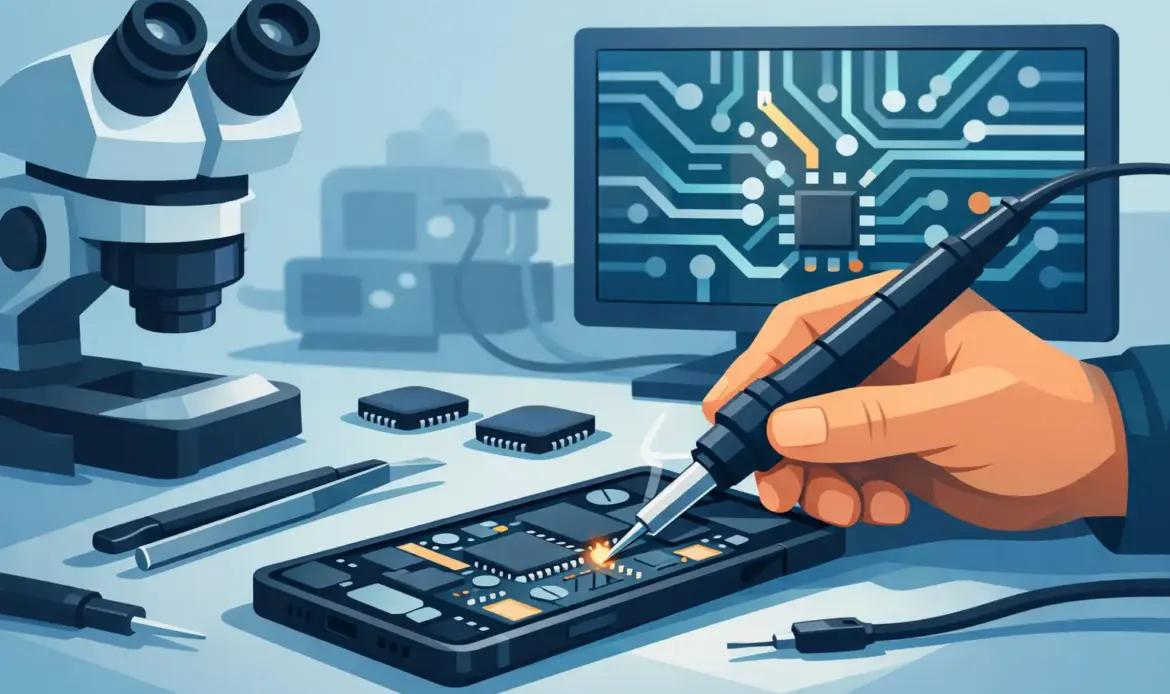
A phone that will not charge, a laptop that died after a spill, or a game console that suddenly will not power on does not always need to be replaced. Sometimes the failure is hiding on the logic board, not in the screen, battery, or charging port. That is where microsoldering repair can make the difference between writing off a device and bringing it back to life.
At Phone-Medics, we treat your device like what it is: a lifeline for work, school, family, payments, photos, and downtime. Board-level repair is not a quick parts swap. It is precision rescue work, and the right diagnosis comes before anyone reaches for a soldering iron.
What Is Microsoldering Repair?
Microsoldering is component-level electronics repair. Instead of replacing a large assembly, a technician works on the tiny connectors, filters, chips, pads, and circuits attached to a device’s main board. Many of these parts are smaller than a grain of rice and require magnification, specialized tools, controlled heat, and a steady hand.
A standard repair may involve installing a new screen, battery, or charging port. Those repairs solve many common problems quickly. Microsoldering comes into play when the problem remains after those parts are checked, or when the damage is deeper inside the device.
For example, a phone may show a charging symbol but never gain battery percentage. The port might look fine, yet a damaged charging circuit on the board could be stopping power from reaching the battery. A tablet with liquid damage may turn on briefly, then reboot over and over because corrosion has affected a nearby component. A console may have no display because a tiny HDMI-related component has failed.
These are not always visible problems. They need real diagnosis, not guesswork.
Signs Your Device May Need Board-Level Repair
Not every device issue calls for microsoldering. A cracked screen, weak battery, or worn-out charging cable is often a more straightforward fix. But certain symptoms raise the possibility of a board-level fault.
Look closely when a device has charging problems even after trying a known-good cable and adapter, especially if the port feels secure and free of debris. Sudden failure after liquid exposure is another major warning sign, even if the device seemed to work for a day or two after getting wet. Moisture can begin corrosion beneath shields and connectors long after the outside looks dry.
Other clues include a device that will not power on, boots only intermittently, overheats for no clear reason, loses touch response in part of the screen, has no image after a drop, or cannot detect Wi-Fi, cellular service, cameras, or Face ID-style security features. On laptops and desktops, the symptoms may include no charging, no video, random shutdowns, or a board that does not respond at all.
The symptom alone does not prove a board problem. That is why a careful technician checks the battery, screen, port, cables, software behavior, and power draw before recommending advanced repair. The goal is to fix what is actually broken, not sell the biggest repair available.
Why Water Damage Needs Fast Attention
Liquid damage is one of the clearest cases for a fast professional evaluation. Water, coffee, soda, and rain can all reach areas that are impossible to inspect from the outside. Sugary or acidic drinks can be especially rough because residue stays behind and continues causing trouble.
If your device gets wet, power it off if possible. Do not plug it in to “see if it still works,” and do not keep trying to restart it. Electricity and moisture are a bad combination, and repeated power attempts can turn a repairable short into permanent board damage.
Skip the rice, too. Rice does not clean corrosion from the logic board or remove liquid trapped under shields. A professional assessment can determine whether cleaning, part replacement, or microsoldering is appropriate. Time matters here. The sooner corrosion is addressed, the better the odds of saving the device and the data on it.
What Happens During a Microsoldering Repair?
The work begins with diagnosis. A qualified technician inspects the device, looks for signs of impact or moisture, and tests how the board is responding. Depending on the device and failure, this may include measuring voltage lines, checking for shorts, testing connections, and examining components under a microscope.
Once the faulty area is identified, the repair may involve removing corrosion, rebuilding a damaged pad, replacing a connector, repairing a broken trace, or replacing a failed chip. Heat must be applied with control. Too much can damage surrounding components; too little can leave an unreliable connection. This is why board-level work should not be treated like a DIY project with a basic soldering kit.
After the repair, the device needs verification. Charging, power, display, touch, audio, cameras, wireless connections, and other affected functions should be tested whenever possible. A successful repair is more than getting a logo to appear. It means confirming that the device can return to real everyday use.
Is Microsoldering Repair Worth It?
It depends on the device, the damage, and what matters most to you. A newer phone, high-end tablet, gaming console, or laptop may be an excellent candidate when replacement would be expensive. The repair can also be worthwhile when your device holds important photos, messages, work files, or app data that has not been backed up.
Age matters, but it is not the only factor. A well-kept older device with a single board-level issue may still have plenty of useful life left. On the other hand, a device with heavy water damage, a failing battery, a cracked display, and an outdated operating system may not be the best investment. A trustworthy repair shop should be honest about that trade-off.
Cost and outcome can vary because the board may reveal more than one damaged component once inspection begins. Some repairs have a strong, predictable path. Others, especially severe liquid damage, carry more uncertainty. Clear communication matters. You deserve to understand what is being repaired, what the likely result is, and when replacement may be the smarter move.
Why Professional Microsoldering Repair Matters
Tiny components leave almost no room for error. A misplaced part, lifted board pad, or excessive heat can cause new damage that makes a later repair harder or impossible. The equipment matters, but experience matters just as much.
Professional technicians use magnification, precision hot-air tools, soldering stations, board holders, testing equipment, and quality replacement components. More importantly, they know how to interpret the results. Replacing a chip without understanding why it failed can lead to the same problem returning.
This is also about protecting your information. Many people assume a dead phone means their photos and contacts are gone. In some cases, repairing the original board is the best path to recovering access to data. There are no guarantees with severe damage, but prompt, skilled work gives your device its best chance.
Give Your Device a Real Chance
When your device stops charging, will not turn on, or fails after water damage, do not assume the only answer is a replacement. Bring it in for a precise diagnosis before making that call. A skilled microsoldering repair may be the rescue your phone, tablet, computer, or console needs – and it may save the files, memories, and daily convenience you thought were lost.