
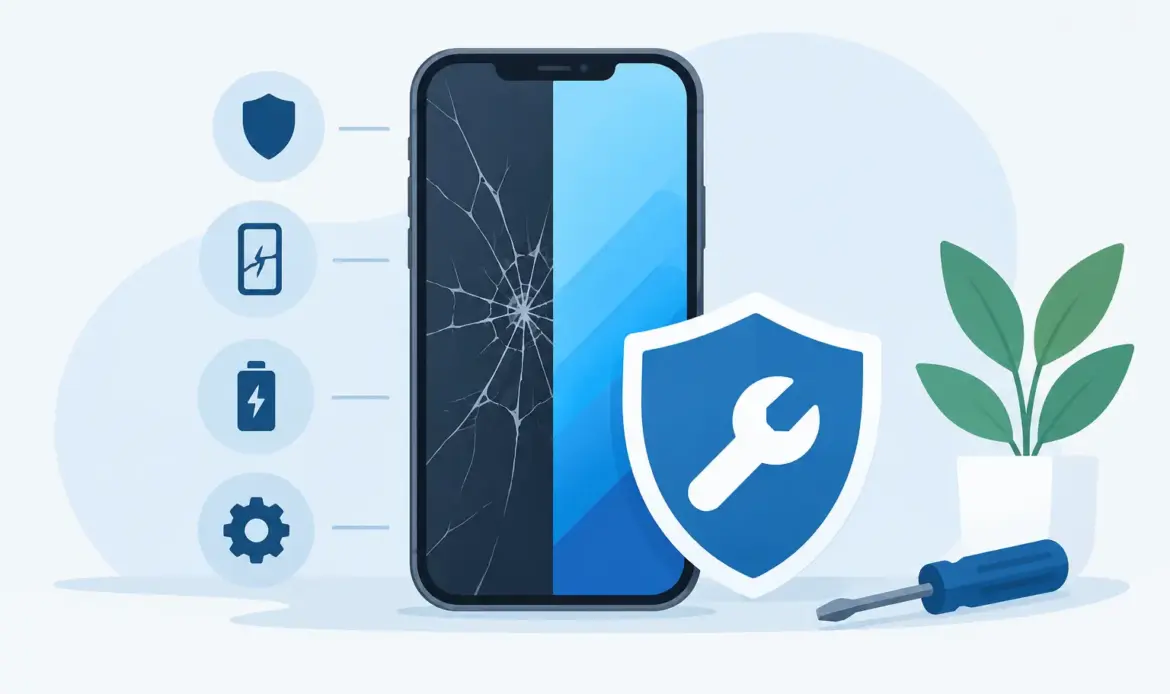
A cracked phone screen is stressful enough. Finding out the replacement screen has touch issues a week later should not leave you paying twice. That is why device repair guarantees matter: they give you a clear path forward if the repaired problem returns or a replacement part fails under normal use.
A good guarantee is not just a line on a receipt. It is a repair shop standing behind its diagnosis, its workmanship, and the quality of the parts it installs. For families, students, professionals, gamers, and small-business owners across Metro Detroit, that reassurance can be the difference between rescuing a device with confidence and gambling on a quick fix.
What Device Repair Guarantees Should Actually Protect
A repair guarantee generally covers two separate things: the replacement part and the labor used to install it. Both matter. A battery can be brand new yet defective. A high-quality screen can work perfectly until an installation-related issue appears. When a shop backs both the part and the work, you know it is prepared to make things right if a covered issue surfaces.
The exact coverage depends on the repair and the device. Screen replacements, battery replacements, charging-port repairs, camera repairs, and many common laptop fixes are often straightforward enough for clear protection. More complex work, such as liquid-damage recovery or board-level micro-soldering, may carry different terms because the device can have hidden corrosion or damage beyond the original failed component.
That does not mean complex repairs should come with vague promises. It means the shop should explain the risks before work begins. Honest communication is part of a real guarantee. If a technician finds water damage spreading beneath a shield or a damaged circuit that may have weakened nearby components, you deserve to hear that in plain English.
Parts coverage is not the same as a manufacturer warranty
Many repair shops use high-quality replacement parts, but those parts are not always identical to the component originally installed by the device manufacturer. That is especially true for older phones, discontinued models, and certain tablet or laptop repairs. The key question is not whether a shop uses a flashy label. It is whether it explains the quality level of the part being offered and stands behind it.
Ask what happens if the replacement display develops lines, loses touch response, or stops displaying an image without being dropped or damaged. Ask whether a new battery that will not hold a normal charge is covered. A trustworthy answer should be specific and easy to understand.
The best repair providers do not hide behind confusing wording. They explain whether the part is covered, for how long, and what the remedy will be if it fails. In most cases, the remedy should be inspection followed by repair or replacement of the covered part, not another full repair bill for the same issue.
Labor coverage protects the quality of the repair itself
Labor coverage addresses workmanship. For example, if a phone will not charge after a charging-port repair because an internal connection needs correction, that is different from a customer later damaging the port with a bent cable. One relates to the original service; the other is a new issue.
A careful technician performs a precision diagnosis before recommending a repair, tests the device after reassembly, and checks core functions such as charging, touch response, cameras, speakers, microphones, Wi-Fi, and buttons when relevant. Still, electronics can reveal a hidden problem after they leave the bench. A labor guarantee gives you a sensible way to bring the device back for a recheck.
What a Repair Guarantee Usually Does Not Cover
Even the strongest device repair guarantees have fair limits. A guarantee is not device insurance, and it cannot protect a phone, tablet, computer, or game console from future accidents. New cracks, liquid exposure, impact damage, tampering, malware, power surges, or a separate hardware failure are usually outside the original repair coverage.
Consider a phone with a newly replaced screen. If it is dropped face-down onto concrete the next day, the shop cannot reasonably guarantee against the new physical damage. The same goes for a laptop that receives a new charging port but later suffers damage from a spilled drink. The original repair may have been flawless, yet the device now needs a different rescue.
Pre-existing damage can also affect coverage. A badly bent phone frame may prevent any replacement display from sitting perfectly. A laptop with liquid damage may have a failed keyboard today and an unstable motherboard tomorrow. In those cases, a professional repair shop should document the condition and discuss the trade-offs before proceeding.
Software and data deserve special attention as well. Repairs can require updates, resets, or diagnostic steps, particularly on computers and severely malfunctioning mobile devices. Backing up important photos, messages, schoolwork, business files, and game saves before repair is always smart when the device still turns on. A shop can handle your device carefully, but no repair guarantee can recreate data that was never backed up after a storage failure.
Questions to Ask Before You Approve a Repair
You do not need to be a tech expert to evaluate a repair guarantee. A few direct questions will tell you whether a shop is focused on protecting you or simply closing a sale.
Ask how long the parts and labor are covered. Then ask what specific symptoms qualify for a covered recheck. Finally, ask whether accidental damage, water exposure, unrelated faults, or device tampering are excluded. Clear answers are a good sign. If the terms change depending on the repair, the technician should explain why.
It is also worth asking what happens if the original diagnosis changes after the device is opened. Some failures look simple from the outside. A phone that will not charge might need a port replacement, but it could also have corrosion, battery damage, or a board-level charging issue. You should know whether the shop will contact you with an updated estimate before performing additional work.
For micro-soldering and liquid-damage repairs, ask about testing and realistic outcomes. Component-level repair can save a device that might otherwise be written off, but it is skilled recovery work, not magic. A qualified technician will explain whether the goal is full restoration, data recovery, or getting essential functions running again.
Why the Cheapest Repair Is Not Always the Best Value
A low quote can be tempting when your phone is your alarm clock, wallet, work line, camera, and connection to everyone you know. But price alone does not tell you what part is being installed, how thoroughly the device will be tested, or whether you will have support if something goes wrong.
The better value is a repair performed with quality parts, precision tools, capable hands, and a meaningful guarantee. That combination can keep a device in service longer and reduce the chance of paying for the same problem twice. It is especially valuable for laptops needed for school or work, tablets used by children, and gaming consoles that may need more than a basic external fix.
At Phone-Medics, the goal is to bring your device back to life with careful diagnosis and repair options that make sense for the device’s condition. Certified technicians can explain what failed, what the repair involves, and what coverage applies before you decide how to move forward.
Keep Your Receipt and Test the Device Promptly
After a repair, keep your receipt or service record somewhere easy to find. It helps identify the device, the work completed, and the date of service if you need a follow-up. Before leaving the shop, take a minute to test the functions connected to the repair. On a phone, that may mean checking touch response, charging, speakers, microphones, cameras, and Face ID or fingerprint functions where applicable. On a computer, check charging, ports, the keyboard, trackpad, display, and Wi-Fi.
Do not ignore a small issue because you are hoping it will disappear. If something seems off, contact the repair shop promptly and describe what you are seeing. A quick recheck can often catch a covered problem before it becomes a bigger inconvenience.
Your device carries more than hardware. It holds conversations, directions, work, photos, school assignments, and the routines that keep your day moving. Choose a repair team that treats that responsibility seriously, explains its guarantee clearly, and is ready to help when your tech needs a rescue.