
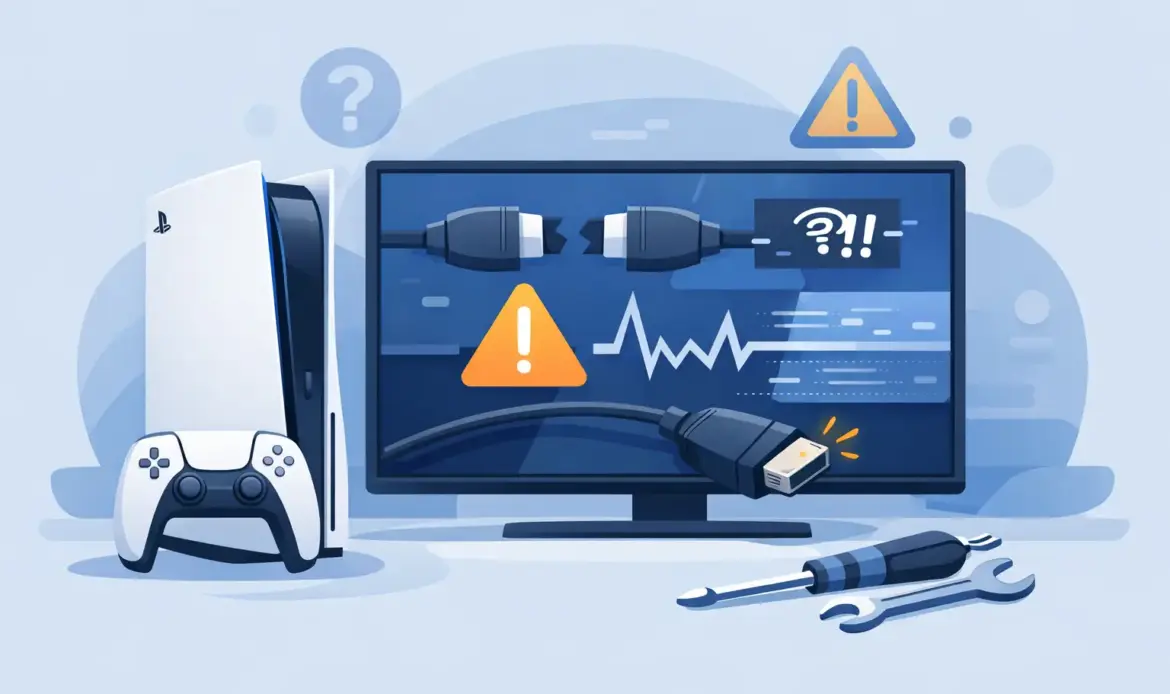
A PS5 HDMI problem can make a perfectly good gaming console feel completely dead. You press the power button, hear the familiar startup sound, see the white light, and then get nothing but a black screen. Before you assume your PS5 is finished, take a breath. The issue may be the cable, TV setting, or HDMI port – and the right diagnosis can save your console from an unnecessary replacement.
What a PS5 HDMI Problem Usually Looks Like
HDMI is the connection that carries video and audio from your PS5 to your TV or monitor. When that connection fails, the symptoms are often immediate. The console may turn on normally but display “No Signal.” The picture may flash, cut in and out, show colored pixels, or only appear when the cable is held at a certain angle.
A damaged PS5 HDMI port can also cause a loose connection. If the cable slips out easily, sits crooked in the port, or must be pushed upward or downward to get a picture, the port may have bent internal pins or broken solder connections. These are physical issues, not settings issues, and they typically need professional repair.
Not every blank screen is a broken port, though. That distinction matters. Replacing an HDMI port when the real trouble is a faulty cable, incompatible display setting, or internal video component wastes time and money. A careful diagnosis is the first rescue step.
Start With the Safe PS5 HDMI Checks
Before bringing in the console, rule out the simple causes without forcing anything. Turn off the PS5 and TV completely, then unplug both for a minute. Reconnect the console directly to the TV with a known-good HDMI cable. Avoid HDMI splitters, receivers, capture cards, and adapters while testing. They can introduce their own signal problems.
Try another HDMI input on the TV. Then test the PS5 on a different TV or monitor if one is available. If another device works with the same TV input and cable, but the PS5 still shows no picture, the console becomes the likely source of the issue.
It also helps to inspect the cable ends and the console port under good lighting. Do not insert tools, toothpicks, or anything metal into the port. A little dust is one thing, but trying to scrape out debris can bend pins and turn a manageable repair into a more involved board-level job.
Here are four signs the HDMI port itself is likely damaged:
- The HDMI cable feels loose, rocks noticeably, or falls out of the port.
- You can see bent, missing, or pushed-in pins inside the port.
- The screen works only when the cable is held in one specific position.
- The issue began right after the PS5 was dropped, moved, yanked, or hit while plugged in.
If any of these sound familiar, stop repeatedly plugging and unplugging the cable. Continued pressure can damage the port further or pull solder pads away from the motherboard.
Why PS5 HDMI Ports Fail
The PS5 HDMI port is built for normal use, but it is still a small connection mounted to a larger circuit board. A sudden tug on the cable can put force directly on the port. This happens often when a console is moved while connected, a child or pet catches a cable, or a tightly routed cable gets pulled from behind an entertainment center.
Drops are another common culprit. Even if the PS5 case looks fine, the force can crack solder joints beneath the HDMI port or damage the delicate pins inside it. Ports can also fail after repeated cable changes, especially when the connector is inserted at an angle.
There is another possibility that requires a more advanced diagnosis. Sometimes the port looks intact, but the console still has no video output because of damage to components on the motherboard that process the HDMI signal. Power surges, liquid exposure, previous improper repairs, and physical impact can all contribute. In that situation, a port replacement alone may not restore the picture. This is where micro-soldering experience makes a real difference.
When It Is a Setting or Handshake Issue Instead
If the HDMI cable fits firmly, the port looks undamaged, and the problem appeared without a drop or cable accident, your PS5 may be having a display handshake issue. TVs and consoles exchange information to determine resolution, refresh rate, and HDCP copy-protection settings. Occasionally, that conversation goes wrong.
Safe Mode can help narrow it down. With the PS5 fully powered off, press and hold the power button until you hear the second beep. Connect the controller with a USB cable, then select a lower video output option if the Safe Mode screen appears. If you get a picture in Safe Mode but not during normal startup, resolution, HDR, or refresh-rate settings may be the problem rather than the physical HDMI port.
This is especially common after switching from one TV to another, changing a receiver, or moving between a 4K television and an older monitor. A console set to a display mode your screen cannot support may appear to have an HDMI failure when it really needs a video setting reset.
Still seeing no picture in Safe Mode on multiple displays with multiple known-good cables? That is a stronger reason to have the PS5 inspected.
Why DIY PS5 HDMI Repair Is Risky
Online repair videos can make a PS5 HDMI replacement look like a quick soldering job. In reality, the port is attached to a multilayer motherboard surrounded by tiny components. The old port must be removed with controlled heat, the board must be cleaned without lifting pads, and the replacement port must be aligned precisely before each connection is secured.
Too much heat can damage nearby components. Too little heat can leave weak connections that fail again. A replacement port that is slightly crooked may accept a cable but still produce no image. There is also the risk of using a poor-quality part that does not fit correctly or wears out quickly.
For a console that is otherwise valuable and working, professional repair is often the more cost-effective choice. Certified technicians can inspect the port, test signal paths, check for damaged pads, and determine whether the problem is limited to the connector or reaches deeper into the board. That level of diagnosis protects you from paying for the wrong fix.
What to Do Before Bringing Your Console In
Leave the PS5 powered off and bring the console, its power cable, and the HDMI cable that was connected when the issue started. If you can, take a quick photo of any message on the TV screen or record the flickering behavior. Details such as “the picture cuts out after 10 minutes” or “it only works when the cable is lifted” can help speed up diagnosis.
Do not worry about bringing the TV unless a technician asks for it. In most cases, testing with reliable shop equipment is enough to confirm whether the PS5 is sending a stable signal.
At Phone-Medics, a damaged console is treated like the device rescue it is. A proper PS5 HDMI diagnosis looks beyond the obvious black screen, checks the physical port and surrounding circuitry, and focuses on getting you back to your games with a repair that lasts.
Your PS5 should not be sidelined because one small connection failed. Protect the port from more stress, skip the guesswork, and let a precise diagnosis point the way back to game night.